 Kenzam
 How to Choose the Right Gaming Mouse: Hand Size and Grip Guide
Discover how to choose the ideal gaming mouse based on your hand dimensions and grip style, comparing symmetrical and ergonomic designs before checking Iraq store deals on Kenzam.
Selecting the right gaming mouse is never about chasing the highest DPI sensor on paper. If a mouse does not fit your hand size or complement the way you hold it, even the most expensive peripheral will cause hand fatigue and inconsistent aim during long gaming sessions.
To find a model that feels like a natural extension of your arm, you must first measure your hand and understand your natural grip style.
Step 1: Measuring Your Hand Size
Take a standard ruler and measure the straight distance from the base crease of your wrist to the tip of your middle finger.
- Small Hands (17.5 cm or less): Look for shorter mouse bodies and ultralight builds (generally between 55g and 75g). Avoid elongated or overly wide shells that strain your fingers.
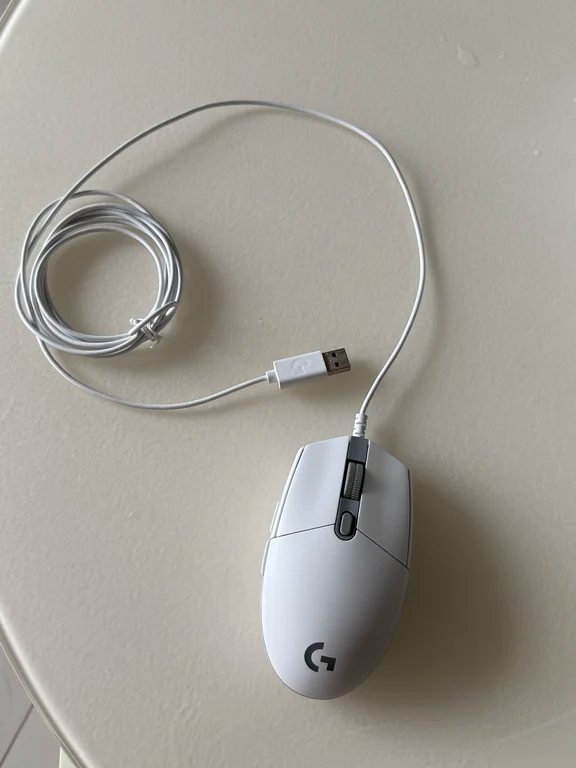
- Medium Hands (17.5 cm to 19.5 cm): This category offers the widest compatibility. Most mainstream mouse shapes on the market will fit comfortably.
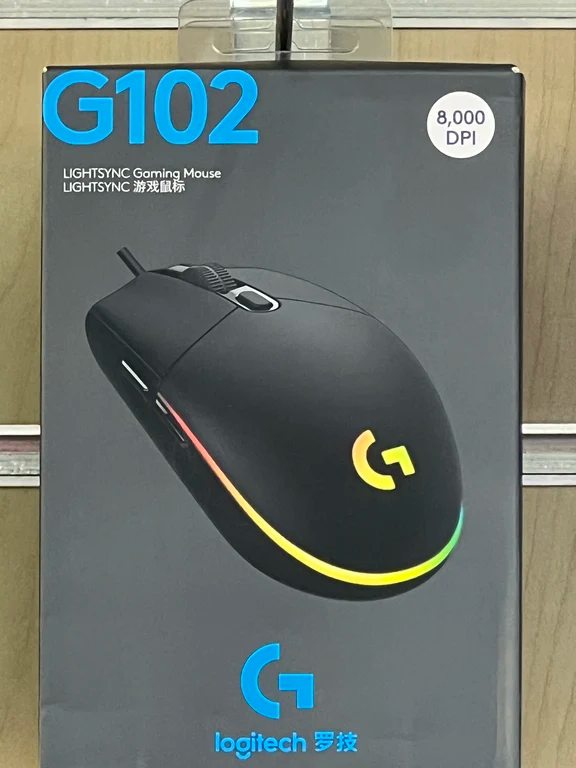
- Large Hands (19.5 cm or more): Prioritize longer shells with a fuller, taller rear hump. This ensures adequate palm support and prevents your fingers from dragging across the mousepad.
Step 2: Matching Your Grip Style
Your grip style dictates which chassis profile will feel comfortable over extended play.
- Palm Grip: Your entire palm rests flat against the shell. This grip favors stability and comfort over long hours. It requires a pronounced rear hump and supportive ergonomic curves.
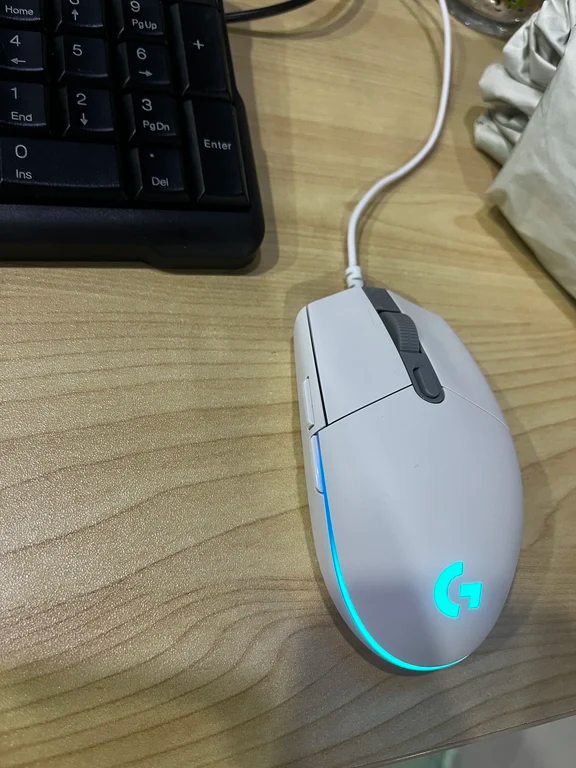
- Claw Grip: The base of your palm contacts the rear edge while your fingers arch down sharply onto the buttons. This style balances agility with fast click response, making it popular for competitive shooters.
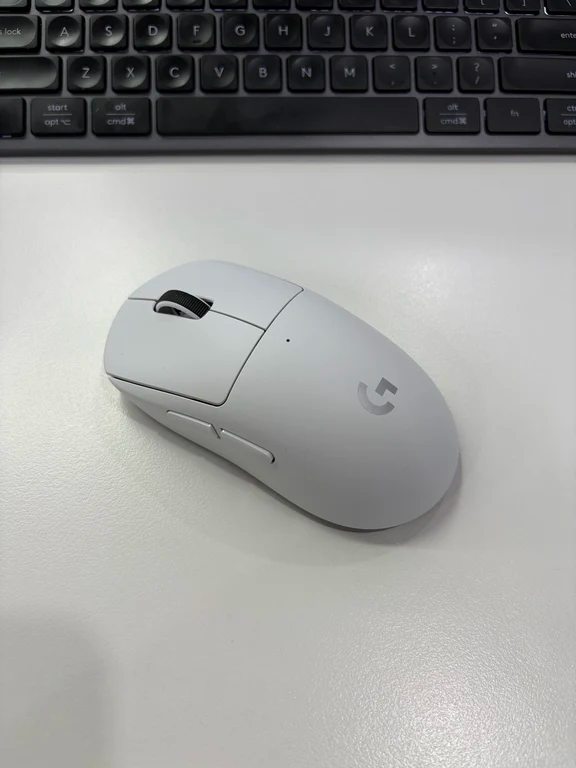
- Fingertip Grip: Only your fingertips touch the mouse, leaving your palm entirely elevated. This allows maximum flick agility and fine micro-adjustments, but demands a lightweight, compact body.
Symmetrical vs. Ergonomic Profiles
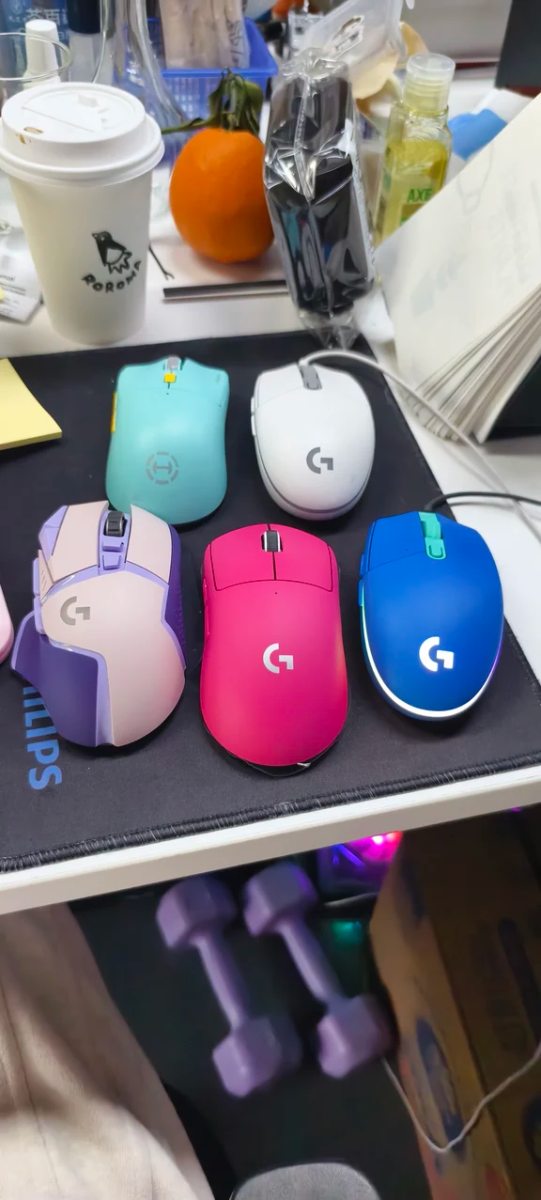
Major brands design around distinct philosophies. Logitech frequently relies on versatile symmetrical shapes that work across diverse grips, from budget-friendly wired options to ultralight wireless flagships.
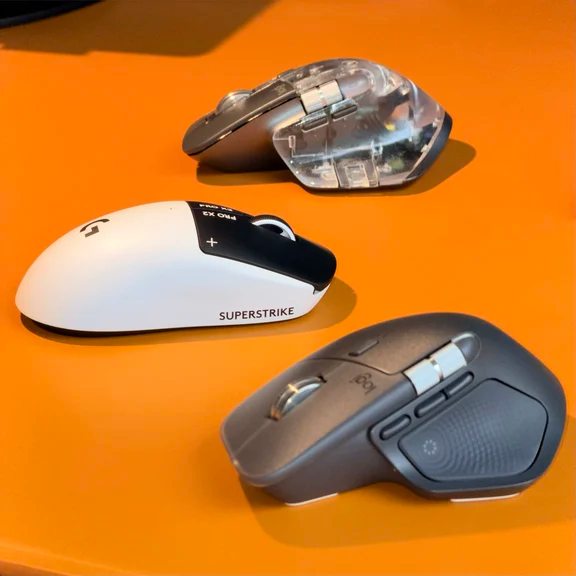
Gamers who switch between work and play often collect varied profiles to suit different tasks, ranging from productivity contours to featherweight esports mice.
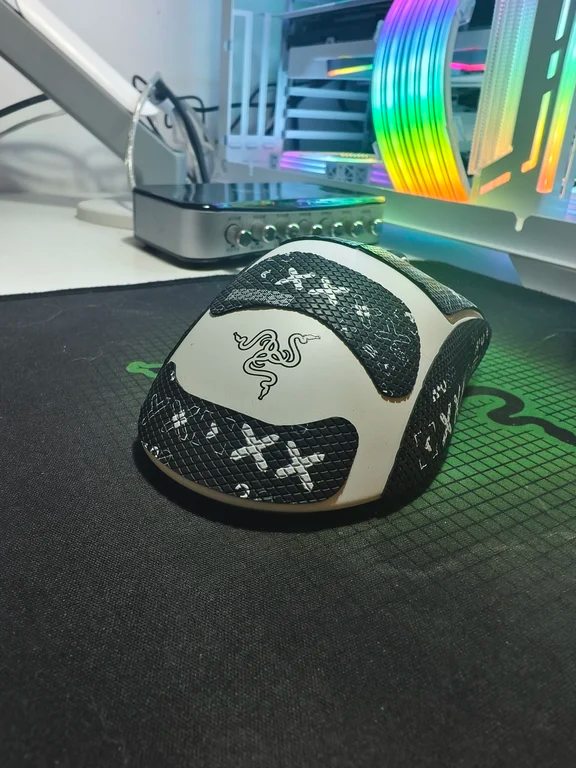
Razer, on the other hand, frequently innovates in dedicated ergonomic shapes and specialized lightweight silhouettes tailored to aggressive claw and palm players.
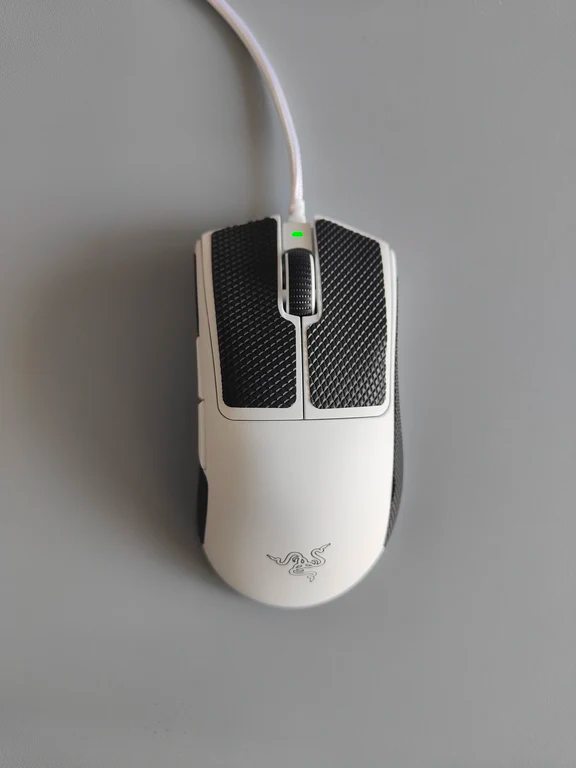
Many competitive players also add textured grip tapes to the buttons and sides to customize the tactile feel and ensure slip-free handling during intense matches.
How to Find Your Next Mouse in Iraq
Before settling on a specific model, verify its dimensions against your hand measurements. While Kenzam is a price comparison service rather than a direct seller, you can use Kenzam to browse and compare current pricing, stock availability, and offers across electronics retailers throughout Iraq to get the best deal for your setup.
Source: [140]