 Kenzam
 iPad vs Android Tablet: How to Choose for Studying, Movies, and Work
Struggling between an iPad and an Android tablet? Here is a breakdown of note-taking, entertainment, and work scenarios to help you choose the right device.
Choosing between an Apple iPad and an Android tablet usually comes down to one fundamental decision: do you value a tightly integrated software ecosystem, or do you want the best screen and hardware specs for your money? The performance gap between both platforms has shrunk significantly. Today, making the right purchase depends directly on whether your primary routine involves digital note-taking, video streaming, or light desktop productivity.
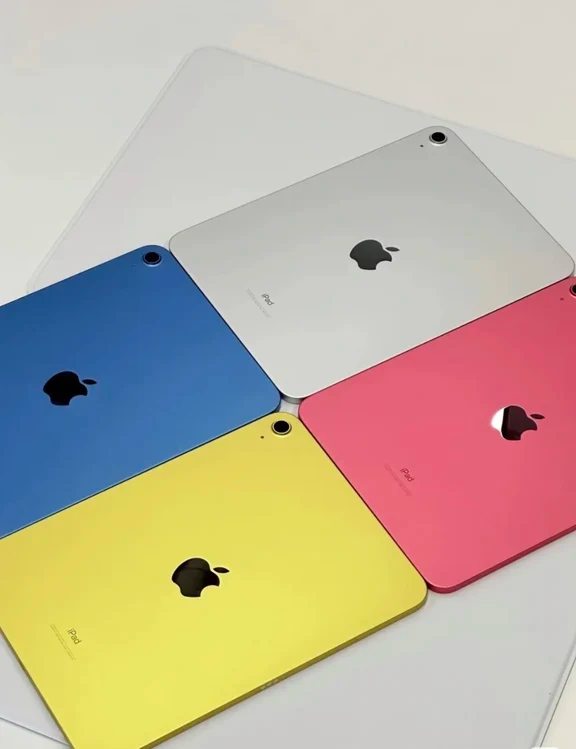
Before spending your budget, breaking down your actual daily habits will keep your tablet from ending up as an expensive paperweight.
Studying and Paperless Note-Taking
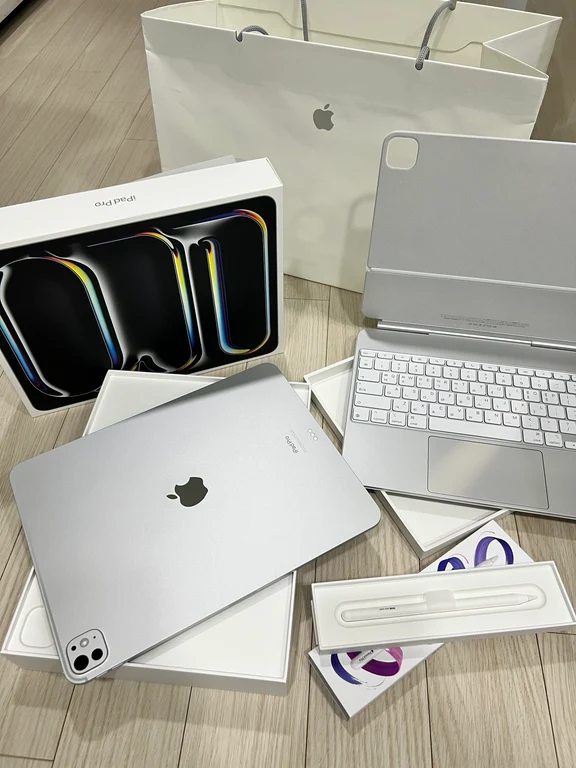
If you already carry an iPhone or a Mac, an iPad remains the smoothest route for university lectures and paperless organization. The iPadOS app catalog features deeply refined writing apps like GoodNotes and Notability. Paired with an Apple Pencil, the low input latency and precise pressure response deliver a writing feel that closely mirrors real pen on paper. Apple tablets also tend to retain stronger resale value over several years.
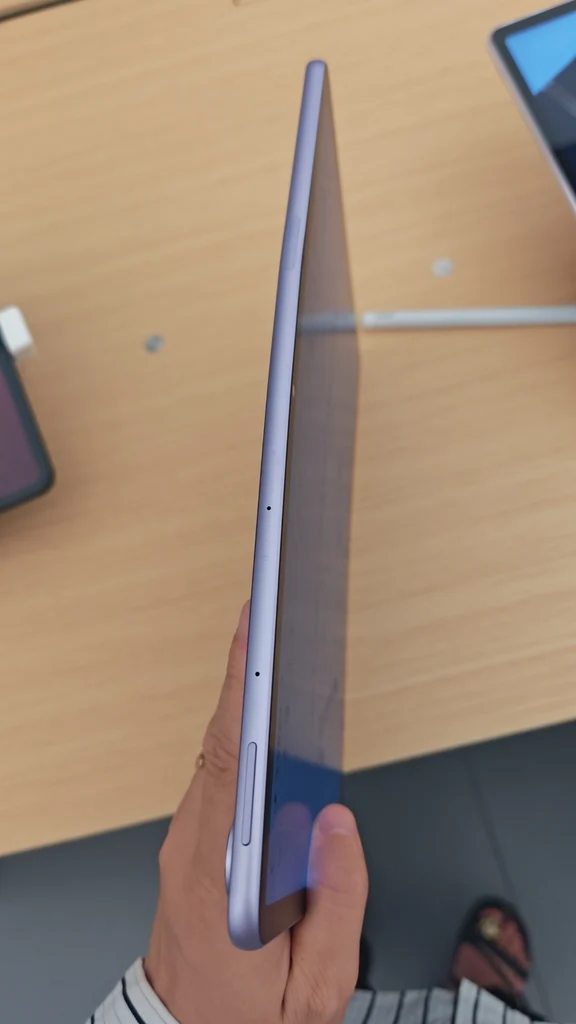
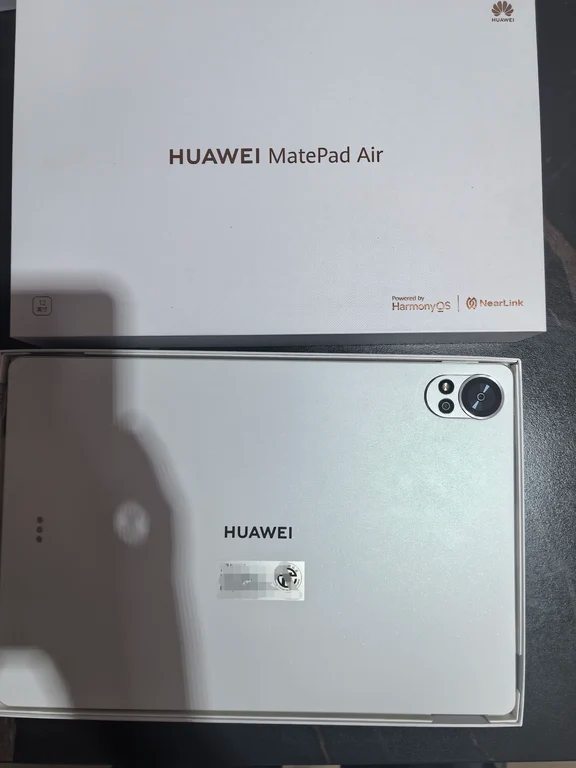
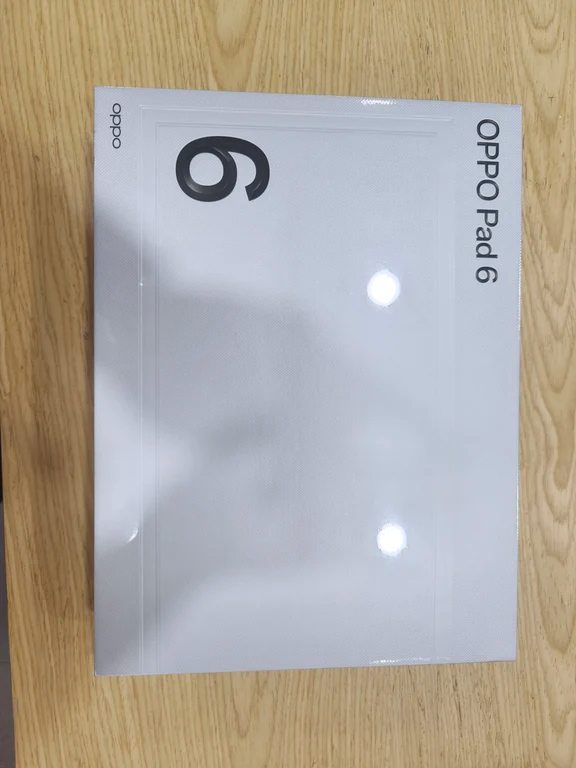
Android options from brands like Huawei, Honor, and OPPO have made massive strides in recent hardware cycles. Their built-in note apps now handle handwritten indexing, split screens, and PDF markups with ease. Better yet, many Android packages include a compatible stylus directly in the box or price their pens far below Apple's official accessories, making them a sensible budget choice for students.
Movies, Shows, and Audio
When it comes to casual binge-watching, Android tablets frequently outperform equivalent-tier iPads. At price points where Apple supplies a standard 60Hz LCD panel without Dolby Vision, competing Android models often deliver sharp 2.5K or 3K OLED screens, 120Hz high refresh rates, and immersive quad or eight-speaker arrays.
Furthermore, Android's 16:10 aspect ratio matches wide-format streaming formats more naturally than the squarer 4:3 profile of standard iPads, resulting in thinner black letterbox bars. Sideloading external media players and playing diverse video file formats is also much simpler on an open operating system.
Light Office Work and Multitasking
For daily office routines, modern Android tablets take an aggressive approach to multitasking. Features like Huawei's desktop interface and Samsung DeX transform the mobile layout into a floating-window workspace reminiscent of Windows. Transferring files is straightforward: plug in a standard USB flash drive or local storage device without jumping through proprietary cloud sync hoops.
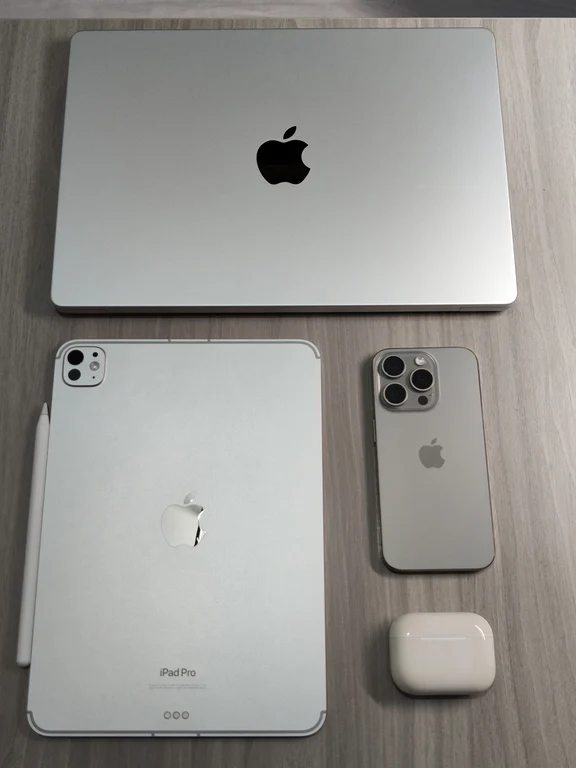
Apple counters with unmatched raw processing muscle on its M-series iPad Pro models and seamless clipboard sharing via AirDrop. However, window management through iPadOS can still feel constrained for heavy spreadsheet manipulation compared to a full laptop.
Which Platform Fits You Best?
- Pick an iPad if your workflow relies on dedicated creative software, long-term software support, reliable stylus precision, or if you already live inside the Apple ecosystem.
- Pick an Android tablet if your main goals are watching high-resolution movies, enjoying quad-speaker audio, managing files freely, or securing high-tier hardware without paying flagship prices.
When you are ready to check hardware configurations and local market availability, you can compare current listings across electronics retailers in Iraq on Kenzam. Kenzam helps you find and compare live shop offers in Iraqi dinars (IQD) all in one place, so you can pick the right tablet at the best local price.
Source: [73]