 Kenzam
 MacBook Air vs Windows Ultrabook: What Real Users Actually Care About
Deciding between an Apple MacBook Air and a Windows thin-and-light laptop? Compare real-world battery life, software compatibility, and upgradeability to make the right choice.
Choosing the right laptop is a multi-year commitment, and picking the wrong platform leads to daily friction. The decision between a MacBook Air and a Windows thin-and-light notebook boils down to three primary factors: how much you value unplugged battery longevity, whether your daily software is platform-dependent, and how much hardware flexibility you demand.
Battery Life and Silent Operation
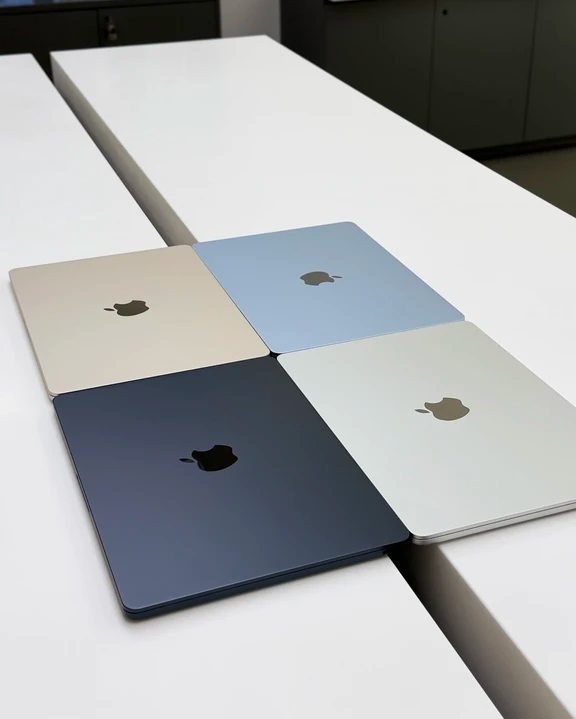
Daily endurance remains the biggest real-world advantage of the MacBook Air. Thanks to the power efficiency of Apple Silicon chips, everyday document editing and web browsing comfortably last 10 to 18 hours. You can spend an entire day studying or working in a cafe without packing a bulky power adapter. Furthermore, the fanless chassis ensures completely silent operation.
Windows thin-and-light laptops typically deliver 5 to 8 hours under similar workloads. While premium business machines like the Lenovo Thinkpad X1 Carbon 512GB 32GB close the gap with efficient modern processors and premium construction, macOS still holds the edge for sustained battery endurance away from the wall socket.
Ecosystem Harmony vs Hardware Ports
If your daily phone is an iPhone, the integration with a MacBook is seamless. Features like AirDrop, Universal Clipboard, and Continuity allow files, copied text, and active tasks to move between phone, tablet, and laptop effortlessly.
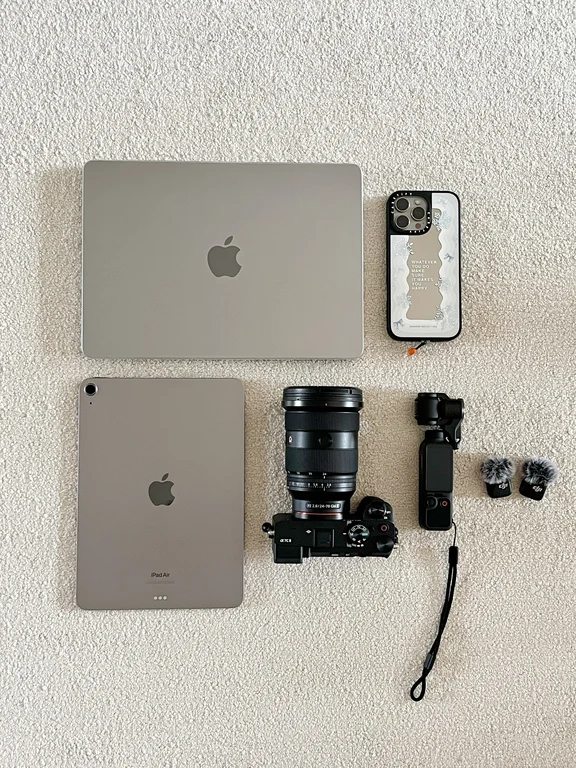
Windows brands offer varying degrees of phone linking, but none achieve the tight operating-system cohesion of Apple. However, Windows machines fight back on physical convenience. Most Windows ultrabooks provide a generous selection of ports, including full-sized USB-A, HDMI, and micro-SD card slots. In contrast, the MacBook Air offers only two Thunderbolt/USB-C ports and a MagSafe connector, making external dongles or multi-port hubs a necessity when plugging in flash drives or presentation projectors.
Software Compatibility and Upgrades
Software selection is the strictest dividing line:
- Windows is mandatory for specialized engineering applications (such as AutoCAD or SolidWorks), specific corporate financial tools, university exam proctoring software, and PC gaming.
- macOS shines for photo retouching, video editing (Final Cut Pro), music production (Logic Pro), and web or mobile software development.
Hardware longevity also differs fundamentally. Most Windows ultraportables allow you to open the bottom plate down the road to replace an M.2 SSD or swap RAM modules. With the MacBook Air, unified memory and solid-state storage are soldered directly to the board at purchase. What you order on day one is what you keep forever.
Who Should Pick Which Laptop?
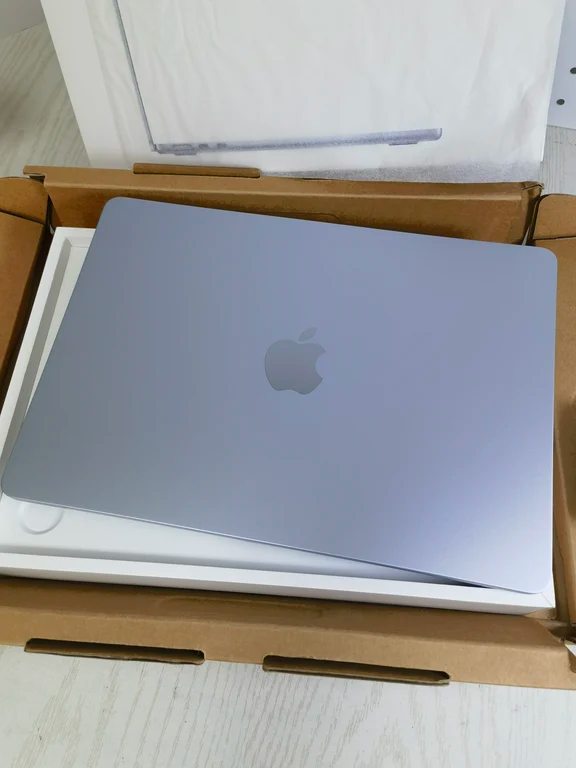
Choose a MacBook Air, such as the Apple MacBook Air M4 256GB 16GB 15 inch sky blue, Apple MacBook Air M4 512GB 15 inch silver, or Apple MacBook Air M4 256GB 16GB 15 inch starlight, if you already own Apple devices, prioritize silent work and 12+ hour battery life, or focus on writing, media creation, and travel portability.
Choose a Windows ultrabook if you rely on specialized Windows-only desktop software, want occasional access to PC games, prefer native ports without carrying adaptors, or seek the freedom to upgrade your drive storage later.
Configuration Advice
For tight budgets around 5,000 CNY (approximately 950,000 to 1,000,000 IQD), a Windows laptop usually offers superior baseline specifications, larger standard storage, and broader port selection for the price. When stepping into budgets of 8,000 CNY (around 1,500,000 IQD) or more, an Apple Silicon MacBook Air with at least 16GB of unified memory becomes an exceptionally durable investment for everyday productivity.
Before deciding, test the keyboard travel, trackpad feel, and screen finish in person whenever possible. To check current pricing and regional availability from reputable tech retailers across Iraq, you can search and compare laptop deals directly on Kenzam.
Source: [62]