 Kenzam
 Red vs Brown vs Blue Switches: Which Mechanical Keyboard Fits Your Setup?
Confused between Red, Brown, and Blue switches? Explore how key feel, actuation force, sound levels, and everyday gaming or office use set them apart.
Choosing the right mechanical keyboard switch boils down to one simple choice: how loud you want your keyboard to be and whether you want a physical bump under your fingers. If you work in a shared office or want rapid keystrokes for competitive gaming, smooth Red switches are the safest bet. If you type alone and crave loud, rhythmic feedback, Blue switches are unbeatable. For anyone wanting a subtle tactile feedback without waking up the house, Brown switches offer a comfortable middle ground.
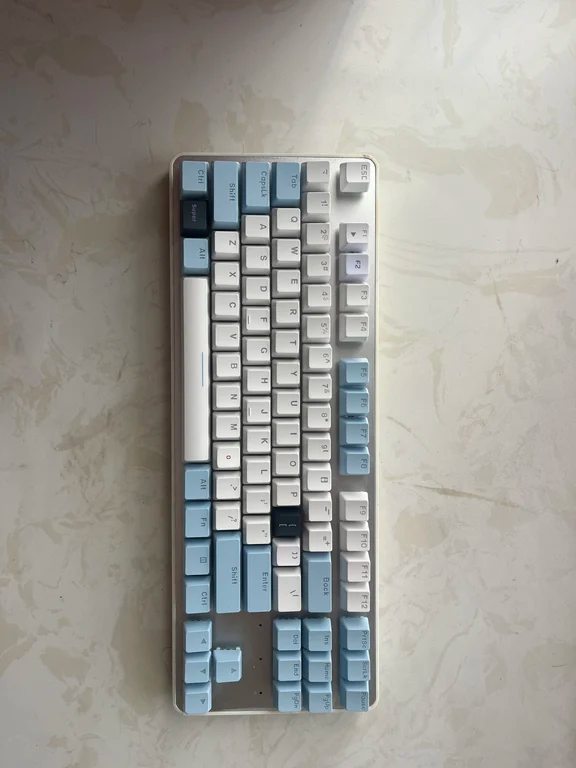
The Core Differences: Feel, Force, and Sound
While personal preference dictates how comfortable a board feels, the mechanical differences between these three classic switch types are precise:
- Blue Switches (Tactile & Clicky): These feature an actuation force around 50g. Halfway through the keypress, you hit a defined tactile bump accompanied by a sharp click sound. They deliver maximum tactile confirmation, but their loud volume can quickly annoy roommates or coworkers.
- Red Switches (Linear): Operating at around 45g of actuation force, Red switches travel straight down with zero bump. The press feels light, smooth, and whisper-quiet compared to clicky options, minimizing hand fatigue over long sessions.
- Brown Switches (Tactile): Also requiring around 45g of force, Brown switches provide a gentle tactile bump at the activation point without the loud auditory snap of Blue switches. They are widely regarded as the versatile hybrid switch.
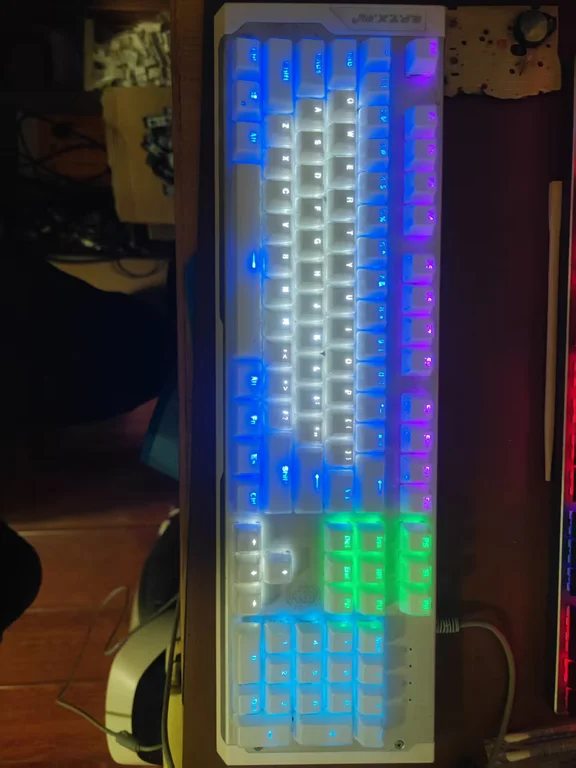
Typing and Daily Office Work
For remote workers, programmers, or writers who work in private spaces, Blue switches turn typing into a satisfying, rhythmic routine. The distinct tactile drop confirms every single letter, reducing missed keystrokes.
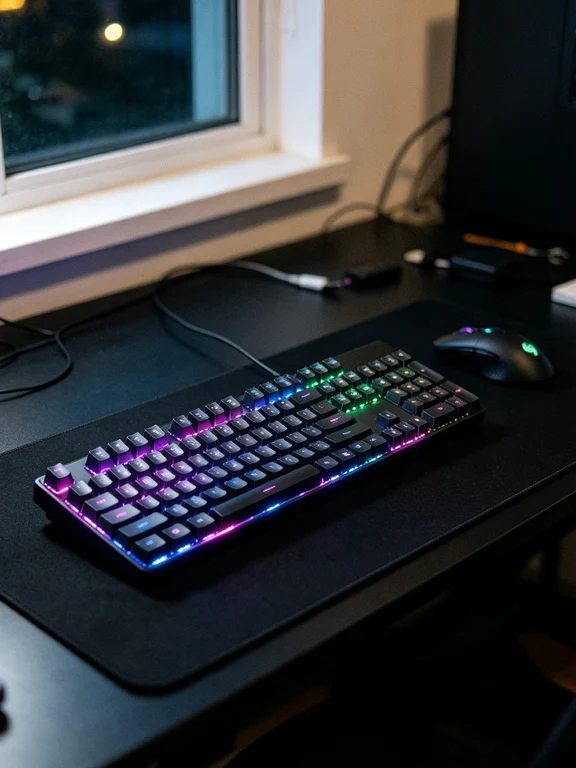
However, in open office environments or shared living rooms, Blue switches will instantly draw complaints. Here, Red switches shine because they remain silent and light to press across eight-hour workdays. The only drawback is that their soft, linear feel lacks the pronounced mechanical click some typists love.
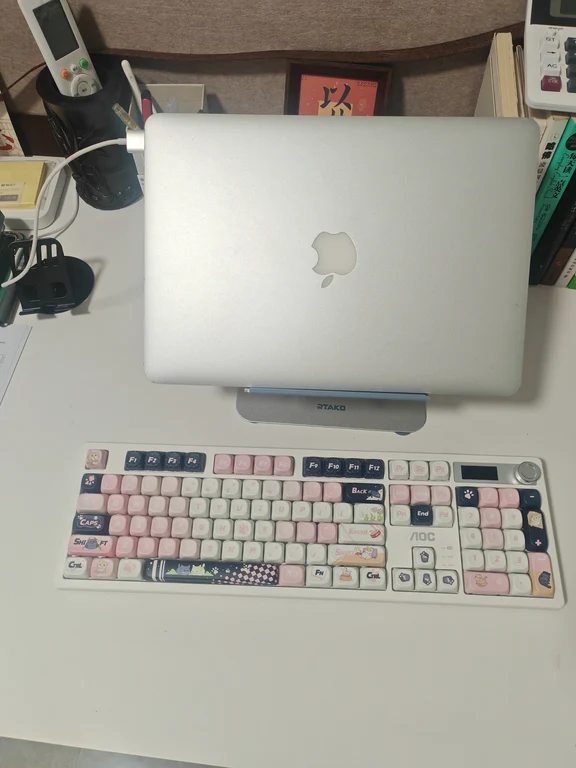
If you are switching from a regular membrane keyboard, Brown switches feel the most intuitive. They provide just enough feedback to prevent accidental keypresses while keeping desk noise at an acceptable level.
Gaming Performance: Speed and Reset
In gaming, reaction speed and rapid key repetition matter most. Red switches are the preferred choice for fast-paced shooters and multiplayer titles. Because there is no internal bump blocking travel, keys reset immediately, enabling fluid double-taps and effortless combo execution without finger strain.
Blue switches are generally less ideal for competitive gaming. The pronounced tactile mechanism and slightly longer reset distance can feel stiff when spamming the same key repeatedly in intense battles. Brown switches handle casual and adventure gaming smoothly, though competitive players often prefer pure linear switches or dedicated magnetic rapid-trigger boards.
Finding Your Next Keyboard in Iraq
When buying your keyboard, think about your surroundings first. If you share a room or an office, start with Red or Brown switches. If you want full customizability, pick a hot-swappable board so you can swap switches later without soldering.
Before you purchase, use Kenzam to compare mechanical keyboard prices, models, and switch variations across local electronics shops in Iraq to secure the best deal available in the market.
Source: [141]