 Kenzam
 University Laptop Backpack Guide: Comfort, Protection, or Weight?
Learn how to choose the right university backpack. Discover why ergonomic comfort and laptop protection beat ultra-lightweight designs every time.
When choosing a university backpack for daily campus commutes, your priorities should be clear: carrying comfort is the single most critical factor, dedicated laptop protection is an absolute baseline, and empty bag weight is a secondary bonus. Sacrificing ergonomic support just to shave off a few grams often leads to sore shoulders, strained neck muscles, and accidental bumps to your computer.
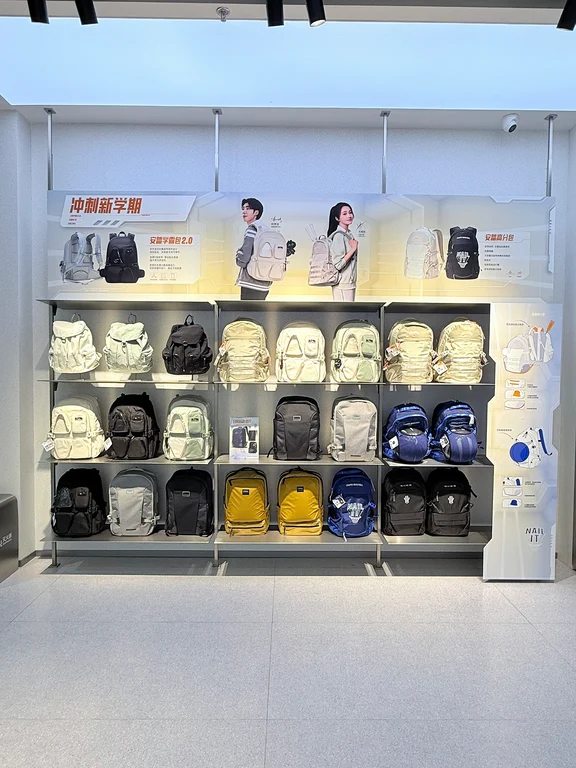
Why Carrying Comfort Matters Most
University life involves far more walking than most students anticipate. Trekking between lecture halls, the library, cafeteria, and student housing with several kilograms of textbooks and electronics puts continuous strain on your upper body.
- S-Curved Shoulder Straps: Look for wide (5 to 8 cm) straps with thick foam padding and breathable mesh. S-shaped designs wrap naturally around your shoulders, distributing pressure evenly rather than cutting into your collarbones.
- Ventilated Back Panel: A rigid or semi-molded back panel with air-channel ridges or 3D mesh keeps the pack from sagging. In warm weather, these ventilation channels allow airflow and prevent sweat buildup against your shirt.
- Chest and Sternum Straps: A simple sternum strap pulls the shoulder straps inward, preventing slippage while walking and stabilizing heavy loads.
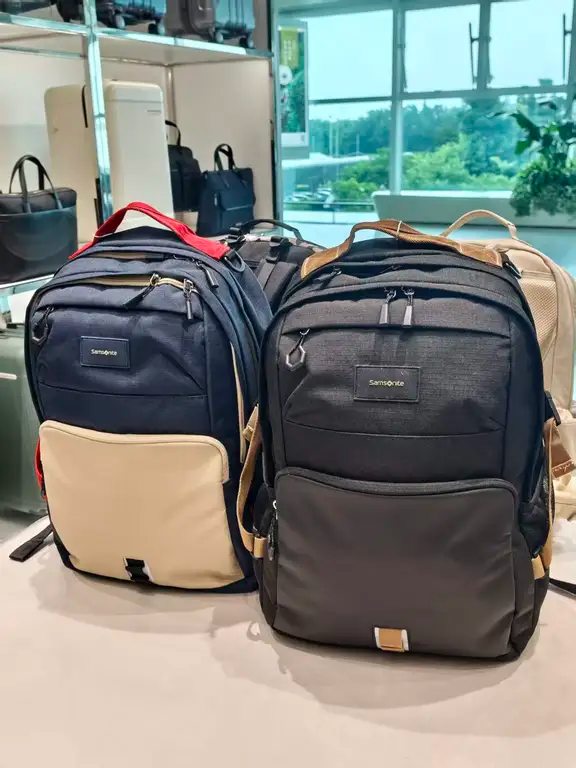
Laptop Protection is the Non-Negotiable Baseline
A laptop is usually a student's most valuable tool. Shoving it into an unpadded main sleeve is asking for costly repairs.
- Independent Back-Facing Sleeve: A separate zipper compartment placed flush against your back keeps the heaviest item close to your center of gravity. It also lets you slide your computer out quickly at security checks or in study halls without unpacking your books.
- Shock Absorption and Base Clearance: Check for EVA foam cushioning or soft microfiber lining along the sides. Crucially, the laptop pocket should suspend the computer slightly above the floor of the bag so it never impacts hard surfaces directly when you set the bag down.
- Accurate Sizing: Match the bag to your exact device size (13, 14, 15.6, or 16 inches). Buying a massive 17-inch bag for a compact 13-inch ultrabook causes the device to slide around and adds unnecessary bulk.
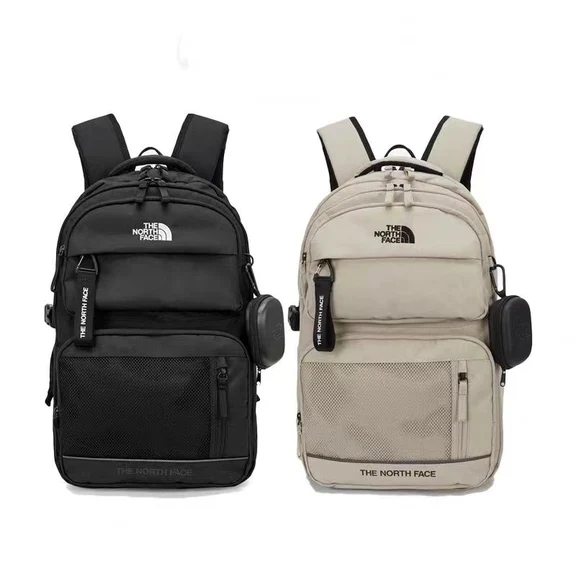
The Lightweight Trap: Do Not Trade Padding for Grams
While a lighter pack is always welcome, beware of bags marketed as ultra-light that weigh under 500 grams. Achieving that minimal weight almost always means stripping out shoulder padding, omitting back support panels, and using paper-thin fabrics.

Once loaded with a laptop, charger, water bottle, and notebooks, an unpadded 500g bag feels far heavier and more punishing than a well-structured 0.8 to 1.2 kg commuter pack. The ergonomic suspension system actively offsets the perceived weight by transferring pressure evenly.
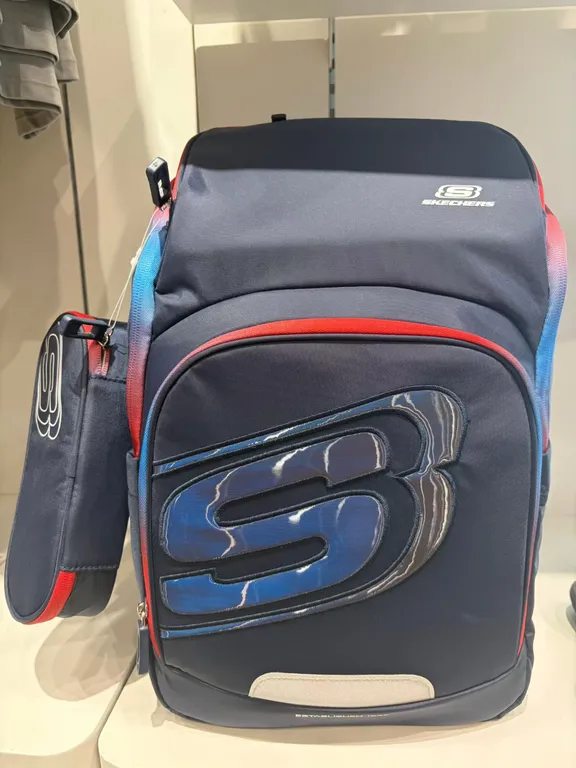
Practical Details Worth Looking For
Beyond the core compartment, smart organization saves time between classes. Side water bottle pockets with elastic or cinch straps prevent bottles from tumbling out. Quick-access top pockets keep student IDs, keys, and transit cards within reach, while water-resistant exterior coatings protect your notes from sudden rain showers.
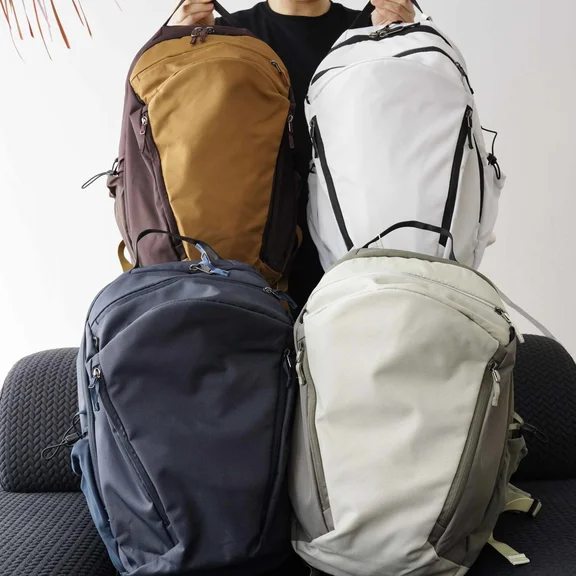
Before settling on a model, take the time to evaluate what gear you carry every semester. On Kenzam, you can explore and compare backpack offers from stores across Iraq, checking real-time availability and prices without jumping between multiple websites.
Source: [157]