 Kenzam
 Xbox Controller vs. PS5 DualSense for PC: Which Should You Buy?
Choosing between an Xbox controller and the PS5 DualSense for PC gaming? Compare Windows compatibility, layout ergonomics, adaptive triggers, and Iraq store pricing.
If you play games on a Windows PC and want to pick the best gamepad, the decision comes down to two clear paths: the Microsoft Xbox Wireless Controller and the Sony DualSense. For effortless plug-and-play compatibility across every single PC store without tinkering, the Xbox controller is the undisputed winner. However, if your library is built around cinematic Steam titles and you want next-gen haptic feedback and adaptive triggers, the Sony PS5 DualSense Wireless Controller delivers an unmatched sensory experience once set up correctly.
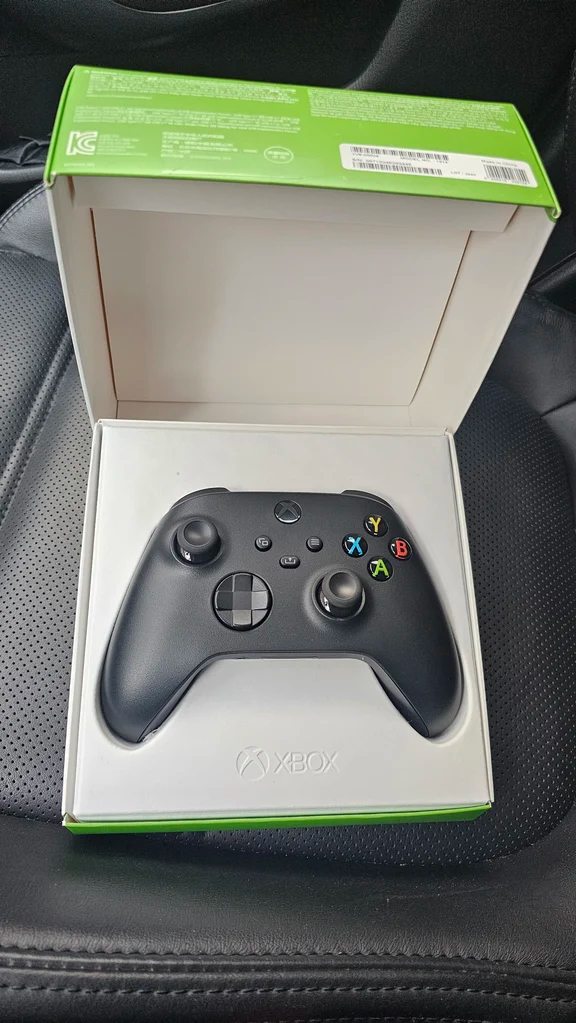
Windows Compatibility: Plug-and-Play vs. Extra Setup
Because Microsoft makes both Windows and the Xbox ecosystem, the Xbox gamepad enjoys true native integration. Plug it in with a USB-C cord or sync it via Bluetooth, and virtually every PC game recognizes it immediately. In-game button prompts automatically mirror the standard ABXY layout, requiring zero software tweaks whether you are running games through Steam, the Epic Games Store, or PC Game Pass.
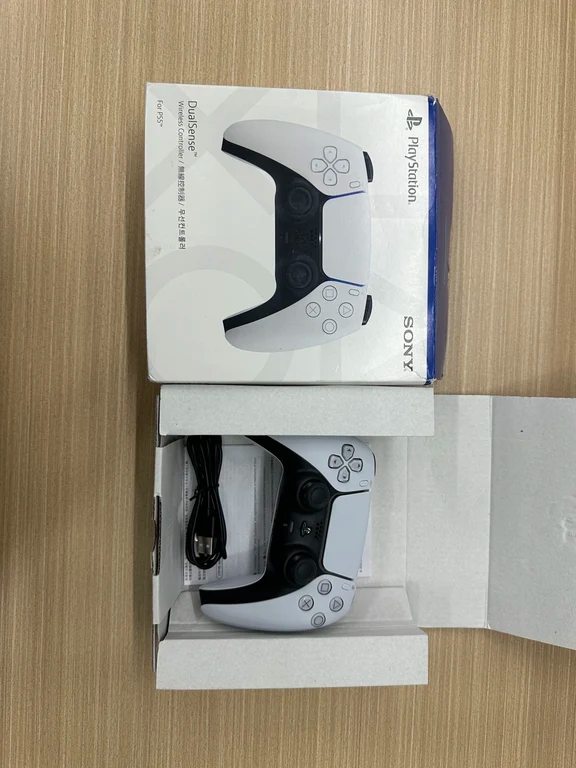
By contrast, using a PlayStation 5 controller on Windows takes extra care. While Steam features deep built-in controller mapping that translates the DualSense smoothly, non-Steam titles—including games from Epic Games, the Microsoft Store, or older standalone releases—often do not detect it without manual configuration or third-party mapping software like DS4Windows or DSX.
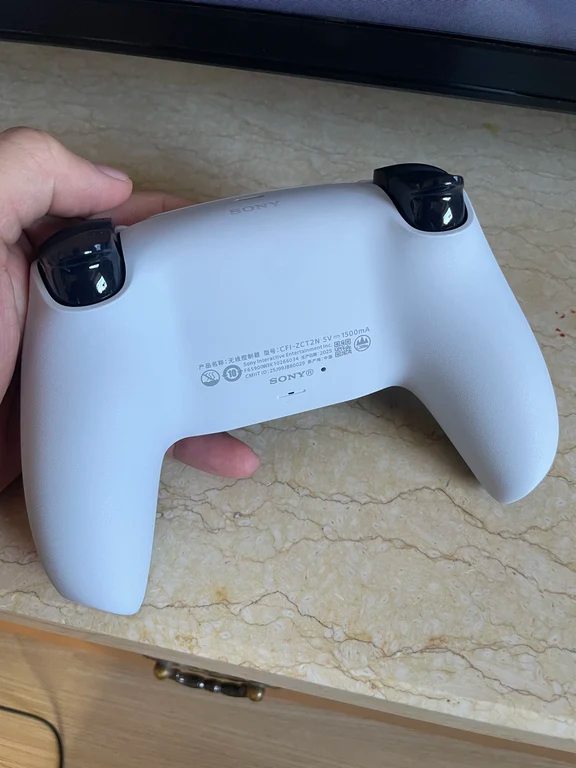
Haptic Feedback and Adaptive Triggers on PC
The DualSense stands apart for its incredible haptic motors and dynamic resistive triggers. However, PC gamers face an important limitation: in most PC ports, these cutting-edge features only work over a wired USB connection. When connected wirelessly via Bluetooth, the DualSense typically defaults to standard rumble, losing the distinct tactile advantages that make it special on consoles.
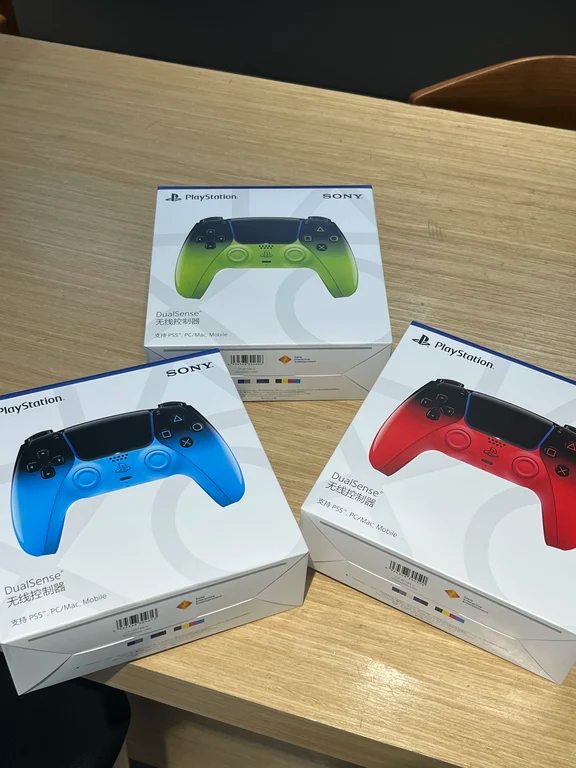
Players who enjoy unique aesthetics can find both standard editions and special finishes, such as the Playstation PS5 Dualsense chroma pearl, but keep in mind that enjoying their advanced mechanics on PC usually means keeping a cable on your desk.
Ergonomics and Thumbstick Layout
Your physical grip preference plays a massive role in which controller feels right over long gaming sessions.
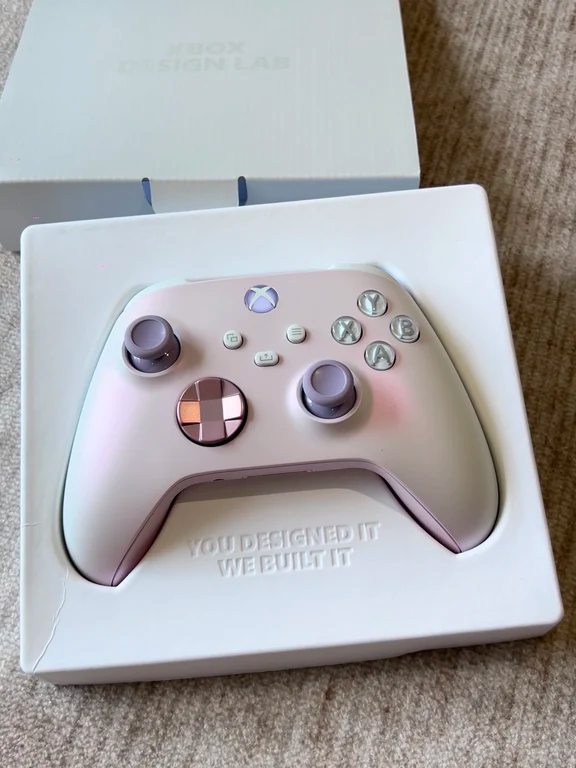
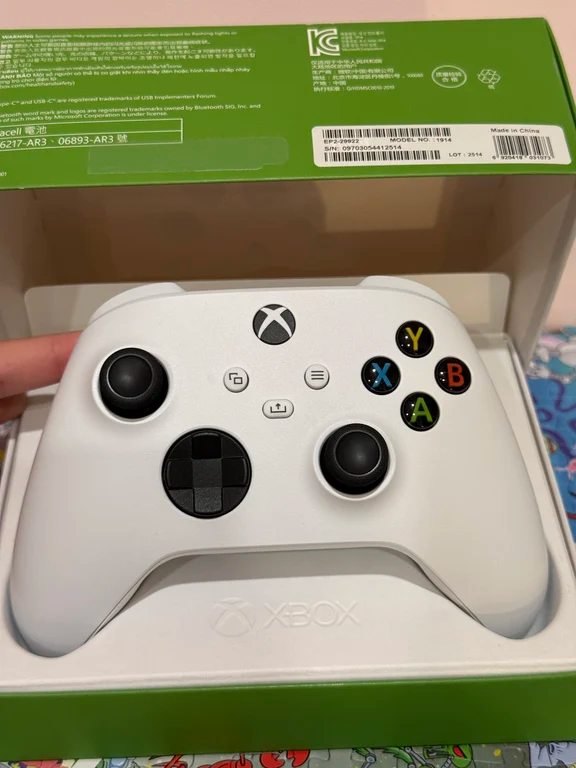
- Xbox Series Controller: Uses an asymmetrical thumbstick layout with the left stick positioned high where your thumb naturally rests. The grips are thick and contoured, offering a reassuring hold for players with medium-to-large hands. The face buttons and directional pad provide a firm, clicky tactile response that works brilliantly for first-person shooters, sports, and racing titles.
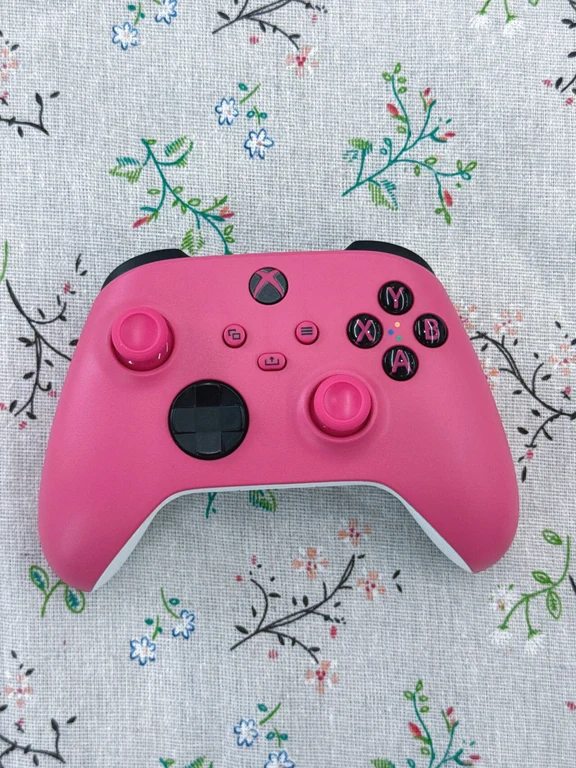
- PS5 DualSense: Retains PlayStation's signature symmetrical stick layout along the bottom. The grips are slightly slimmer, providing a balanced, modern feel that many players find less fatiguing during long platforming or adventure games.
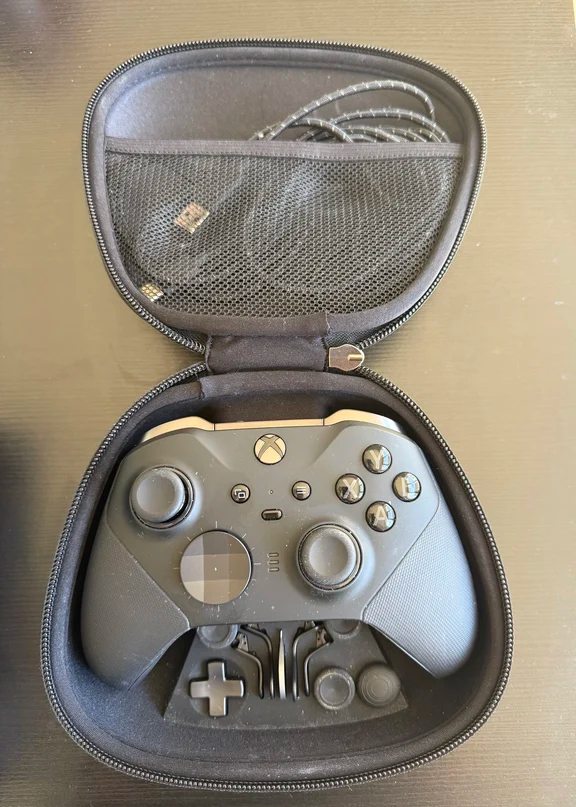
Competitive players wanting rear paddles and hair-trigger locks often step up to premium enthusiast models like the Xbox Elite series, though standard controllers remain the baseline for most setups.
Which Controller Should You Buy in Iraq?
If you subscribe to PC Game Pass, play across multiple launchers, or simply want a controller that works right out of the box without adjustments, the Xbox Series controller is the safest investment. If your primary platform is Steam, you play narrative-heavy Sony ports, and you do not mind keeping a USB cable plugged in to enjoy adaptive triggers, the DualSense is well worth the setup.
Prices and stock levels can fluctuate across local gaming shops in Baghdad, Erbil, and other provinces. Instead of buying blindly, you can use Kenzam to compare live listings, color options, and seller warranties across verified electronics stores throughout Iraq before making your purchase.
Source: [138]